PC Gaming Setup Accessories (2026): Complete Guide - Part 1
Discover the best PC gaming setup accessories for 2026. Compare gaming keyboards, mice, headsets, desks, lighting, and more with expert buying advice.
Enjoying this? Sign up to earn credits just for reading. Create free account
Best PC Gaming Setup Accessories in 2026
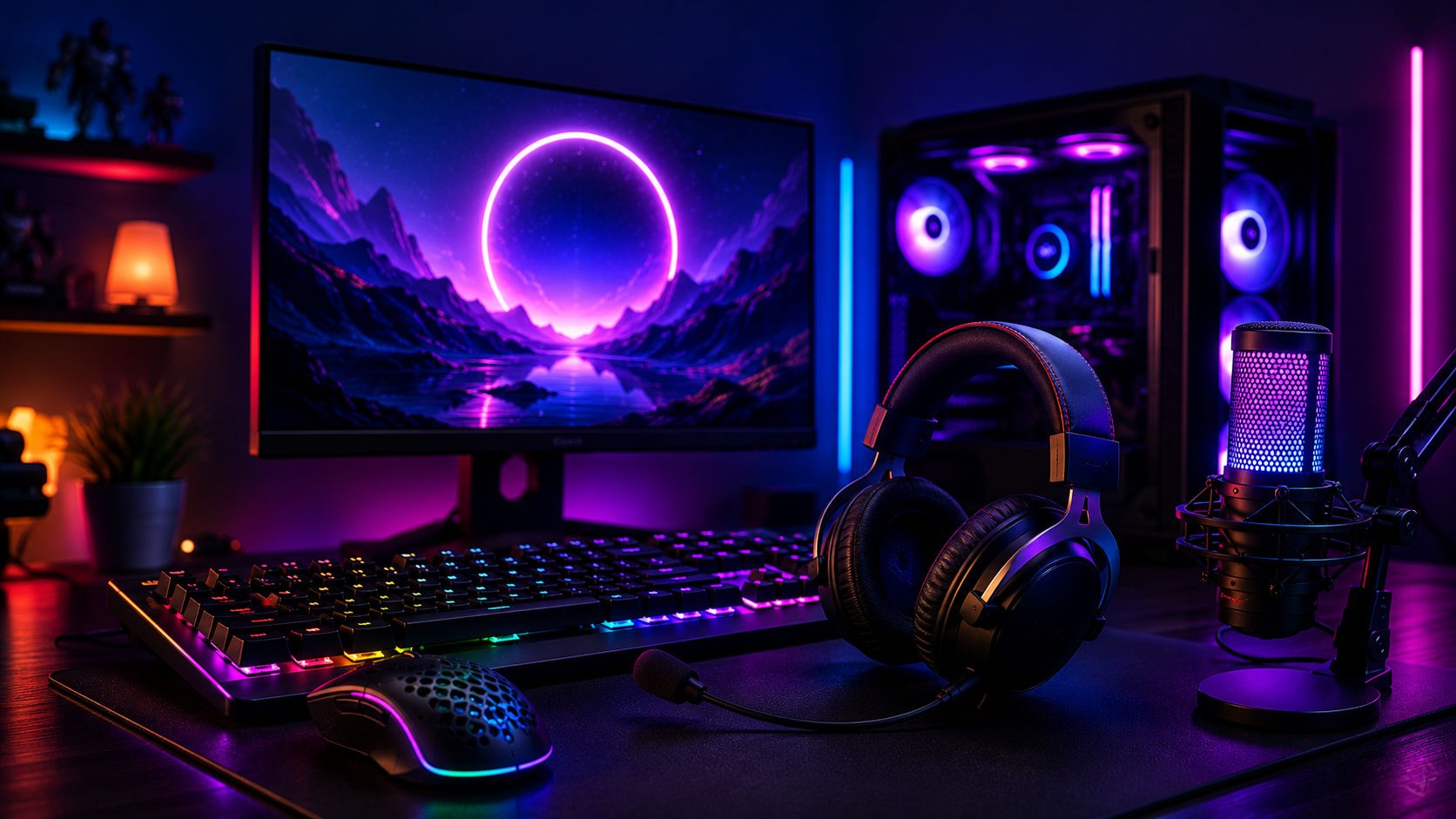
Building an impressive PC gaming setup is about much more than purchasing a powerful graphics card or a fast processor. The accessories surrounding your computer have a significant impact on comfort, reaction time, immersion, and even long-term productivity. Whether you're competing in ranked esports matches, exploring expansive open-world adventures, or creating content for YouTube and Twitch, the right peripherals can dramatically improve your overall experience.
The gaming accessory market has evolved rapidly over the past few years. In 2026, gamers have access to lighter mice with advanced sensors, ultra-responsive mechanical keyboards, immersive audio systems, ergonomic furniture, and intelligent RGB lighting that integrates seamlessly across devices. At the same time, choosing between hundreds of products has become more challenging than ever.
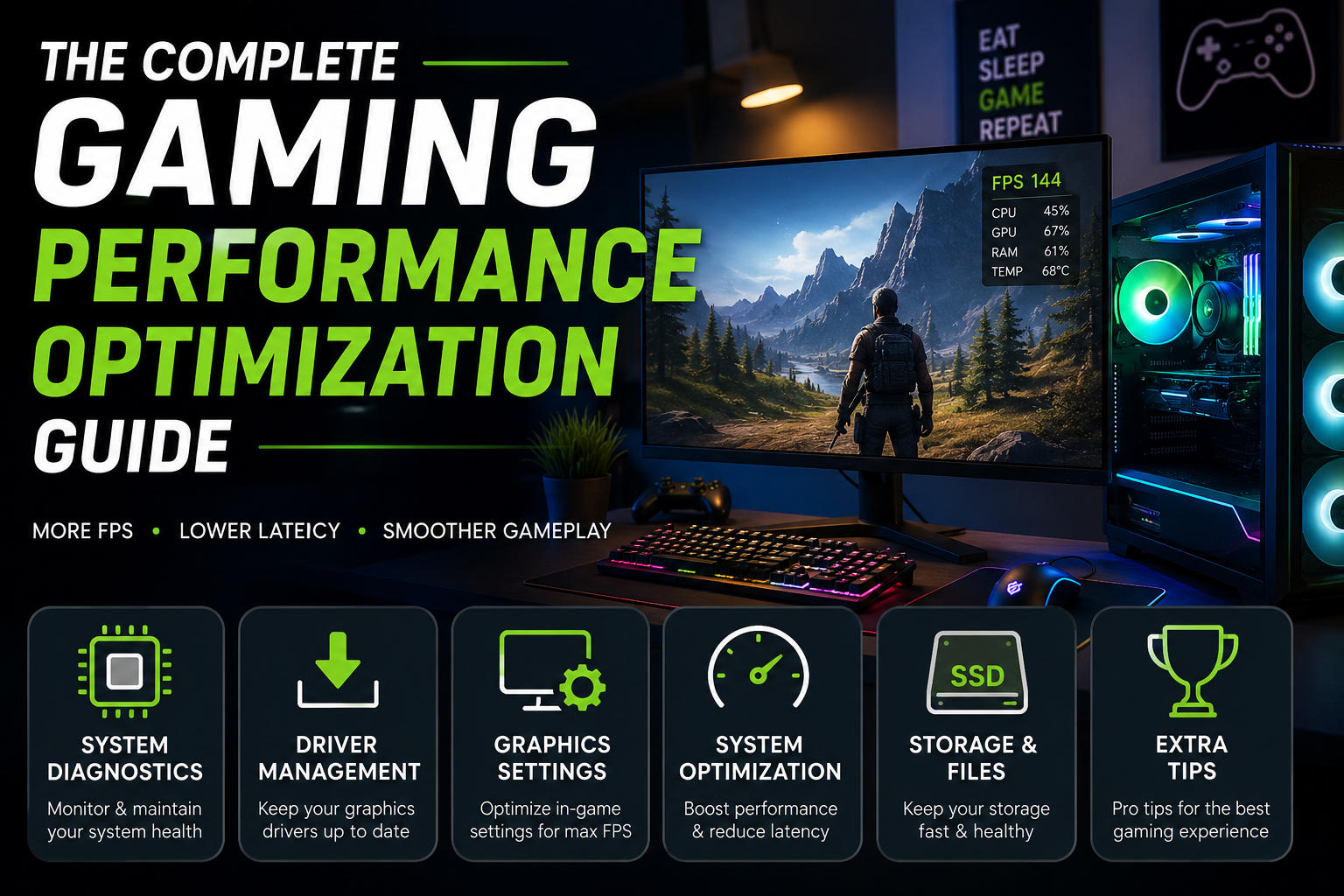
This guide explains everything you need to know before upgrading your setup. You'll learn which accessories truly improve gameplay, which features deserve your budget, and which purchases are simply marketing hype.
Whether you're assembling your very first gaming station or refining a premium battlestation, this guide will help you make informed decisions based on performance, comfort, and long-term value.
What Is a PC Gaming Setup?
A PC gaming setup refers to the complete collection of hardware, peripherals, furniture, and accessories that work together to create an enjoyable gaming environment. While the gaming computer itself provides processing power, the surrounding equipment determines how effectively you interact with your games.
A modern gaming setup usually includes:
Gaming monitor
Mechanical keyboard
Gaming mouse
Mouse pad
Gaming headset or speakers
Webcam
Microphone
Gaming desk
Ergonomic chair
RGB lighting
Cable management accessories
USB hubs or docking stations
Every component contributes to a different aspect of the gaming experience. A responsive mouse improves aiming precision, while an ergonomic chair reduces fatigue during extended sessions. Similarly, proper lighting can decrease eye strain while enhancing the appearance of your gaming space.
Instead of viewing accessories as optional extras, experienced gamers consider them essential investments that improve both performance and comfort.
Why a Good PC Gaming Setup Matters
Many players focus exclusively on upgrading CPUs or GPUs while overlooking the accessories they interact with every second. In reality, peripherals often have a more noticeable impact on daily gaming than small improvements in raw computing performance.
Better Competitive Performance
Precision peripherals reduce input delay and improve accuracy. High-quality gaming mice feature advanced optical sensors capable of tracking even the smallest hand movements, while mechanical keyboards provide faster and more consistent key registration.
For competitive titles such as first-person shooters or multiplayer online battle arenas, these improvements can make gameplay feel more responsive.
Improved Comfort During Long Sessions
Extended gaming sessions can place considerable strain on the neck, back, wrists, and shoulders. Ergonomic accessories help maintain healthier posture and reduce physical fatigue.
Important comfort upgrades include:
Adjustable gaming chairs
Height-adjustable desks
Wrist rests
Large mouse pads
Proper monitor positioning
Small ergonomic improvements often have greater long-term value than expensive RGB upgrades.
Greater Immersion
Gaming is most enjoyable when distractions disappear.
Accessories such as:
Surround-sound headsets
Large high-refresh-rate monitors
Ambient RGB lighting
Quality microphones
Comfortable seating
work together to create a more immersive environment where players remain focused on gameplay rather than discomfort.
Increased Productivity
Many gaming enthusiasts also use their computers for work, programming, video editing, or school.
A well-designed setup improves productivity by providing:
Better cable organization
Efficient desktop layouts
Comfortable seating
Accurate keyboards
High-quality displays
Instead of serving only entertainment purposes, a thoughtfully designed gaming setup becomes an effective workstation.
Different Types of PC Gaming Accessories
Gaming accessories generally fall into several categories, each serving a unique purpose.
Category | Purpose | Priority |
|---|---|---|
Keyboard | Faster and more accurate input | High |
Mouse | Precision aiming and navigation | High |
Monitor | Visual quality and smooth gameplay | High |
Headset | Communication and immersive audio | High |
Mouse Pad | Consistent sensor tracking | Medium |
Chair | Long-term comfort | High |
Desk | Workspace organization | High |
RGB Lighting | Appearance and ambiance | Low |
Microphone | Voice communication and streaming | Medium |
Webcam | Streaming and meetings | Medium |
USB Hub | Additional connectivity | Medium |
Cable Management | Organization and safety | Medium |
Not every gamer requires every accessory immediately. Prioritizing upgrades based on personal needs often delivers better value than purchasing everything at once.
Key Features to Consider Before Buying
Choosing gaming accessories involves more than comparing prices. Understanding the features that genuinely influence performance will help you avoid unnecessary spending.
Build Quality
Durability should always come before appearance.
Look for products featuring:
Aluminum frames
Reinforced plastics
Braided cables
Replaceable switches
Quality stitching
Reliable hinges
A well-built accessory often lasts several upgrade cycles.
Ergonomics
Comfort becomes increasingly important as gaming sessions grow longer.
When evaluating products, consider:
Adjustable height
Weight
Hand size compatibility
Wrist support
Breathable materials
Lumbar support for chairs
Ergonomic accessories help reduce repetitive strain and improve overall comfort.
Connectivity
Modern gaming accessories generally use one of three connection methods:
Wired
Advantages:
Lowest latency
No charging required
Consistent performance
Best for:
Competitive gaming
Esports
Desktop setups
Wireless (2.4 GHz)
Advantages:
Minimal latency
Cleaner desk
Greater flexibility
Best for:
Most modern gamers
Bluetooth
Advantages:
Broad compatibility
Easy switching between devices
Disadvantages:
Higher latency
Limited gaming performance
Bluetooth works well for casual gaming but is usually not the preferred choice for competitive play.
Software Support
Many premium accessories include companion software that allows users to customize settings such as:
DPI levels
RGB lighting
Macro keys
Audio equalizers
Firmware updates
Performance profiles
Well-designed software can significantly enhance the usability of gaming peripherals.
Compatibility
Before purchasing new accessories, verify compatibility with your operating system and existing hardware.
Consider factors such as:
USB-A vs USB-C connections
Wireless receiver availability
Driver support
RGB ecosystem compatibility
Monitor mounting standards
Desk dimensions
Planning ahead prevents unnecessary compatibility issues after purchase.
Expert Tip: Allocate your budget toward the accessories you interact with most frequently. A high-quality keyboard, mouse, and chair will improve your daily experience far more than decorative RGB lighting alone.
Continue to Part 2, where we'll explore the advantages and disadvantages of gaming accessories, common buying mistakes, budget-based recommendations, detailed buying advice, and comparison tables.
Create a free account to react and start earning credits. Sign up
Be the first to comment (0)
Sign in to comment — you'll come straight back here.