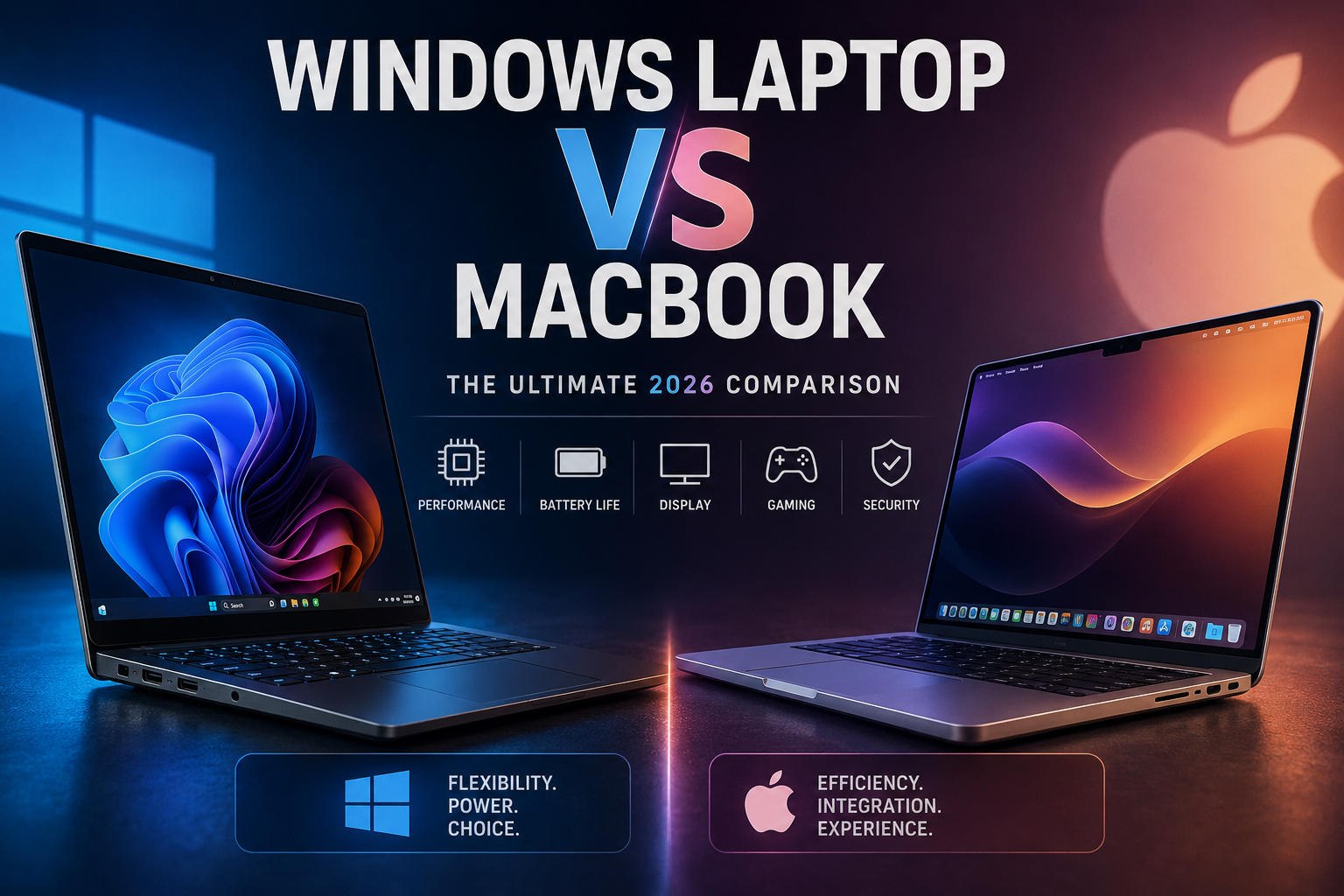
Windows Laptop vs MacBook: Which One Should You Buy?
Not sure whether to buy a Windows laptop or a MacBook? Compare performance, battery life, software, gaming, and pricing before you decide.
Enjoying this? Sign up to earn credits just for reading. Create free account
Windows Laptop vs MacBook: Which Should You Buy? (2026 Practical Guide)
Choosing between a Windows laptop and a MacBook is no longer just about picking an operating system. With recent shifts in hardware like Apple’s highly efficient processors and Qualcomm’s new Snapdragon chips joining Intel and AMD the gap between these platforms feels different than it did a few years ago.
Modern laptops are no longer judged only by raw CPU clock speed. Battery life, thermal efficiency, and how a laptop handles your actual daily apps matter just as much.
This guide breaks down the real-world performance, software compatibility, and daily usage of both ecosystems to help you choose the right tool for your specific workflow.
1. Daily Real-World Scenarios: Which is Better For You?
Here is how both platforms stack up in common day-to-day scenarios based on real user workflows.
If You Are a Student
The MacBook Experience: The MacBook Air is often a reliable choice here. It is lightweight, completely silent (fanless), and easily lasts through a full day of classes and study sessions without a charger.
The Windows Experience: If your coursework requires specific legacy software, engineering tools, or if you want to play PC games between classes, a mid-range Windows laptop (like a Dell Inspiron or Lenovo Yoga) offers broad flexibility and hardware choice.
If You Are a Web Developer or Programmer
Web & Mobile (React, Node.js, Flutter): Many web and mobile developers prefer MacBooks. Because macOS is UNIX-based, setting up local development servers, managing Docker containers, and using the terminal feels seamless. Crucially, if you intend to build or compile iOS apps, a Mac is required.
Enterprise, .NET, and Game Dev (Unity/Unreal): Windows laptops remain the preferred choice for many here. If you work with the Microsoft ecosystem, C#, heavy SQL Server databases, or game engines like Unreal Engine, Windows provides native support and far more options for raw GPU power when rendering 3D environments.
If You Are a Content Creator (Premiere Pro vs. Final Cut)
The MacBook Edge: MacBooks handle high-bitrate video exceptionally well. Apple's M-series chips feature dedicated media engines that decode ProRes and 4K/8K footage smoothly, even on lower-tier models. If you use Final Cut Pro or DaVinci Resolve, rendering is optimized and fast.
The Windows Edge: If Adobe Premiere Pro and After Effects are your primary tools, a high-end Windows laptop with a dedicated NVIDIA RTX graphics card allows for faster heavy effects rendering and handles complex 3D plug-ins effectively, thanks to CUDA acceleration.
If You Only Use Office and Web Browsing
If your day consists entirely of Microsoft Word, Excel, Slack, and Google Chrome, both platforms perform excellently. A budget Windows laptop can reduce your initial cost, while a base-model MacBook Air provides premium build quality and solid standby battery life.
2. Windows Laptop vs MacBook for Gaming: The Reality
If gaming is a priority for you, software compatibility and graphics power vary considerably between these platforms.
+-----------------------------------+-----------------------------------+
|      Windows Gaming Laptop        |             MacBook               |
+-----------------------------------+-----------------------------------+
| • Native DirectX 12 & Vulkan APIs | • Proprietary Metal 3 API         |
| • Full Steam, Game Pass libraries | • Limited native Mac library      |
| • Hardware Ray Tracing & DLSS     | • Often requires translation tools|
+-----------------------------------+-----------------------------------+
Windows Laptops: The Dominant Gaming Platform
Windows remains the best choice for most PC gamers. With native access to Steam, Xbox Game Pass, and Epic Games Store, you can run almost any modern AAA game. Windows laptops feature dedicated GPUs from NVIDIA and AMD, bringing support for hardware-accelerated ray tracing and DLSS frame generation.
MacBooks: Capable Hardware, Limited Software Support
Apple Silicon chips have powerful graphics hardware, but the ecosystem support is still growing. macOS relies on Apple's proprietary Metal 3 API, meaning most game developers do not port their titles natively. While translation tools like Apple's Game Porting Toolkit let you run certain Windows games, it often requires troubleshooting, and online multiplayer games with kernel-level anti-cheat usually will not work.
3. Performance & Battery Benchmarks
To give you an idea of performance, here is how popular mid-to-high-tier 2026 models compare across standard benchmarking tests and real-world battery drain.
Metric / Benchmark | High-End Windows Laptop (Intel Core Ultra 7 / Ryzen 7) | Apple MacBook Pro (M3 / M4 Base) |
|---|---|---|
Geekbench 6 (Single-Core) | ~2,400 - 2,700 | ~3,100 - 3,400 |
Geekbench 6 (Multi-Core) | ~12,500 - 14,000 | ~11,500 - 13,000 |
Cinebench R23 (Multi-Core Rendering) | High peak performance (varies on battery) | Consistent performance (stable on battery or plug) |
Real-World Battery Life (Web Browsing) | 8 to 11 hours | 15 to 22 hours |
Fan Noise Under Heavy Load | Audible active fans | Quiet to completely silent |
Note: Benchmark figures are compiled averages from standard hardware reviews (including Notebookcheck and Geekbench browser public results) using popular 2025/2026 mid-to-high-tier configurations. Actual performance varies depending on specific model thermal design and background applications.
Pro Tip: Many Windows laptops lower their performance by 20% to 40% when unplugged from the wall to preserve battery life. MacBooks, on the other hand, deliver the same processing speed whether they are plugged into a charger or running on battery power.
4. Budget Breakdown: What Do You Get for Your Money?
Under $1,000
Windows: You can find a mid-range laptop with 16GB or 32GB of RAM, a 1TB SSD, and a high-refresh-rate OLED screen.
MacBook: You are mostly limited to the base MacBook Air. While the build quality is premium, Apple charges a premium for memory upgrades, often leaving you with 8GB or 16GB of unified memory at this price point.
$1,500 to $2,000
Windows: This budget gets you a top-tier business laptop (like a Lenovo ThinkPad X1 Carbon) or a dedicated gaming laptop equipped with an NVIDIA RTX 4070 graphic card.
MacBook: You can buy a well-configured 14-inch MacBook Pro with upgraded storage and memory, ideal for heavy audio, video, or programming work.
5. Frequently Asked Questions (FAQ)
1. Can I upgrade the RAM or storage later?
Windows Laptops: On many models (especially business or gaming laptops), you can open the back cover to upgrade the NVMe SSD or add more RAM slots later.
MacBooks: No. Memory and storage cannot be upgraded after purchase, as Apple Silicon integrates these components directly onto the main processor board.
2. Do Microsoft Office apps work well on a Mac?
Yes. Microsoft Word, Excel, PowerPoint, and Outlook have native macOS versions that perform reliably and sync via OneDrive.
3. Which platform lasts longer before needing a replacement?
MacBooks generally enjoy solid physical longevity and tend to retain their resale value well. Apple typically supports older Macs with software updates for roughly 6 to 7 years.
4. Is antivirus software required on a Mac?
While macOS has built-in security features like XProtect and Gatekeeper that prevent most malware, it is still possible to get infected via phishing or malicious browser extensions. However, Windows laptops generally require more active security configuration.
5. Can I run Windows apps on a Mac?
You can use software like Parallels Desktop or CrossOver to run Windows applications on Apple Silicon, but performance varies, and complex or graphics-heavy apps might run with limitations.
6. The Verdict: Still Unsure?
Choose a Windows laptop if: You want to play modern PC games, need specific engineering/enterprise software, prefer to upgrade your hardware components over time, or want the highest hardware specifications under a $1,000 budget.
Choose a MacBook if: Your priority is elite battery life, silent operation, premium build quality, or if you develop mobile apps for iOS.
Still undecided? Check out our hand-picked buying guides for the Best Windows Laptops of 2026 and our deep-dive MacBook Buying Strategy Guide to find the perfect configuration for your budget.
Create a free account to react and start earning credits. Sign up
Be the first to comment (0)
Sign in to comment — you'll come straight back here.